What is an internet cable? Speed, Types, & Benefits
Published: 18 May 2026
Have you ever thought about how your computer connects to the internet so quickly? “What Is an Internet Cable?” An internet cable is a wire that connects devices like routers, modems, and computers to the internet.
It helps people enjoy faster speeds, stable connections, and smooth online activities like gaming, streaming, and browsing. Today, many homes and offices use internet cables for reliable networking.
In this guide, you will learn how internet cables work, their different types, and why they still matter in the modern digital world.
What is an Internet Cable?
An internet cable is a physical wire that transfers data between devices and a network connection. People use it to connect computers, routers, modems, gaming consoles, and other devices for stable and fast internet access.
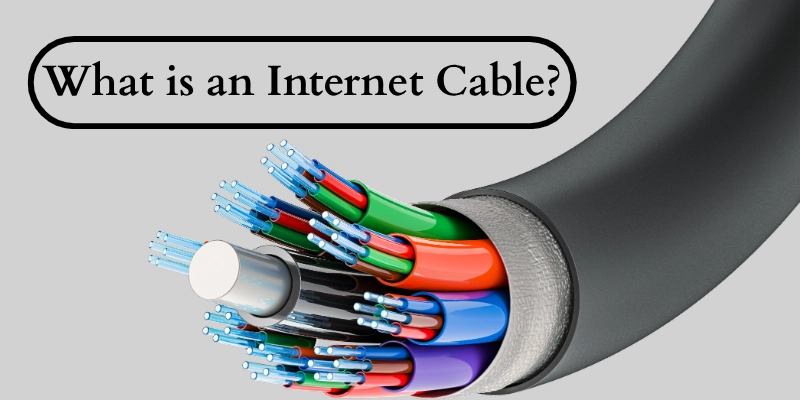
These wires play an important role in homes, offices, schools, and business networks because they provide reliable communication between connected devices. Unlike wireless connections, they often deliver better speed, lower delay, and fewer connection problems.
- Supports smooth online gaming, streaming, and video calls.
- Connects multiple gadgets within a local network.
- Helps reduce signal drops and connection interruptions.
How Does an Internet Cable Work?
An internet cable moves digital data between devices and network equipment through physical connections. It helps devices communicate quickly, securely, and with fewer interruptions. Different cables support different speeds, performance levels, and networking needs.
Data Transmission Process
A cable carries digital signals between connected devices. These signals move as electrical or light pulses, depending on the cable type. When you open a website, stream a video, or send a message, the connection transfers data from one device to another within seconds.
- Sends and receives data in digital form.
- Transfers information through signals.
- Helps devices communicate quickly.
Connection Between Devices
Network equipment uses cables to create a direct connection between devices. A modem links your home or office to the internet service provider, while a router shares the connection with multiple devices. Switches help organize connections in larger networks.
- Connects routers, modems, and computers.
- Shares internet access across devices.
- Supports home and office networking setups.
Wired Networking Technology
Wired networking creates a stable and secure connection for online activities. Unlike wireless signals, physical connections face less interference from walls, distance, or other electronic devices.
- Provides a more reliable connection.
- Reduces signal interruptions.
- Improves online security and stability.
Signal Speed and Bandwidth
Different cable types support different speeds and bandwidth levels. Higher-quality cables transfer larger amounts of data faster, which improves streaming, gaming, downloads, and video calls.
- Affects internet speed and performance.
- Supports faster data transfer rates.
- Helps handle high-bandwidth activities easily.
Types of Internet Cables
Different cables support different internet technologies and networking needs. Some focus on speed, while others work best for long-distance communication or basic home connections.
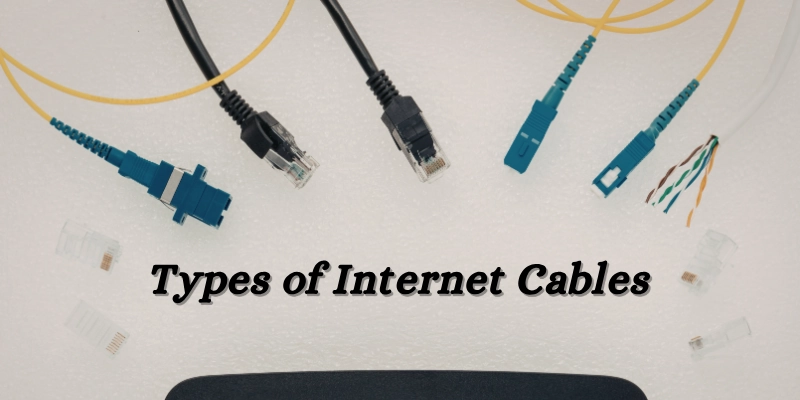
Understanding these options helps users choose the right setup for better performance and reliability.
- Ethernet Cable
An Ethernet cable is the most common choice for wired internet connections. People use it to connect computers, gaming consoles, routers, and switches for fast and stable networking.
- Coaxial Cable
A coaxial cable carries internet signals from cable service providers to homes and businesses. Many cable internet services use this type for broadband connectivity.
- Fiber Optic Cable
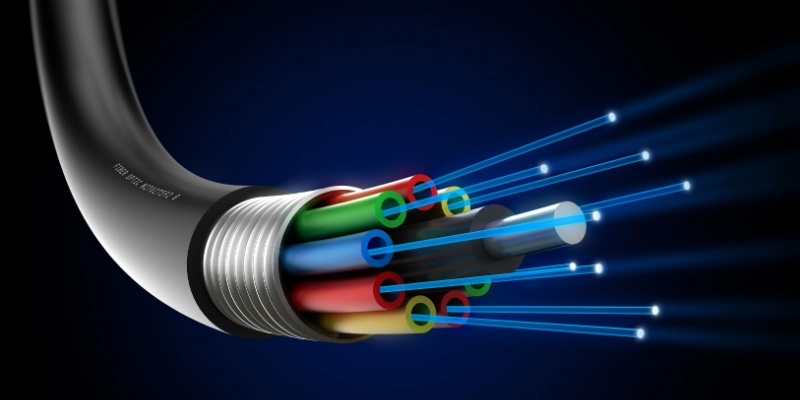
A fiber optic cable transfers data through light signals instead of electrical signals. This technology supports very high speeds and modern high-bandwidth activities.
- Telephone/DSL Cable
A DSL cable uses traditional phone lines to provide internet access. Many areas still use this connection where fiber or cable services are limited.
- USB Tethering Cable
A USB tethering cable shares mobile internet from a smartphone to another device, like a laptop or desktop computer.
Ethernet Cable Categories Explained
Different Ethernet categories support different speeds, bandwidth levels, and networking environments. Newer versions usually provide better performance, lower interference, and improved support for modern internet usage.
Cat5 Cable
Cat5 is an older networking standard designed for basic internet and local network connections. Many modern setups now use newer versions with better performance.
- Supports speeds up to 100 Mbps.
- Works for basic browsing and office tasks.
- Mostly replaced by upgraded categories.
Cat5e Cable
Cat5e improves signal quality and reduces interference compared to Cat5. It remains a popular option for home and small office networks.
- Supports speeds up to 1 Gbps.
- Handles online gaming and HD streaming well.
- Affordable choice for everyday networking.
Cat6 Cable
Cat6 offers faster data transfer and better performance for modern devices and demanding online activities.
- Supports higher speeds and bandwidth.
- Suitable for gaming, streaming, and smart homes.
- Reduces signal interference more effectively.
Cat6a Cable
Cat6a provides stronger shielding and improved stability for larger or high-traffic networks.
- Supports faster speeds over longer distances.
- Works well in offices and commercial setups.
- Handles heavy data usage efficiently.
Cat7 and Cat8 Cables
Cat7 and Cat8 support advanced networking environments that require very high speed and low latency.
- Designed for data centers and high-performance systems.
- Supports ultra-fast connections and large bandwidth.
- Ideal for future-ready networking setups.
Key Features of Internet Cables
Internet cables come with different features that affect performance, stability, and usability. These features decide how well a network handles speed, distance, and interference in daily use.
- Data Transfer Speed
Data transfer speed shows how quickly information moves between devices. It is usually measured in Mbps or Gbps, depending on the cable type.
- Bandwidth Capacity
Bandwidth determines how much data a connection can handle at the same time. Higher bandwidth helps manage multiple devices without slowing down the network.
- Cable Length
Cable length affects signal strength and quality. Longer distances can reduce performance if the cable is not designed for extended use.
- Shielding Protection
Shielding protects the signal from outside electrical interference. This helps maintain stable performance in environments with many electronic devices.
- Durability
Durability defines how well a cable withstands physical stress and environmental conditions. Some cables are designed for indoor use, while others work in outdoor or harsh environments.
Benefits of Using Internet Cables
A wired connection improves internet performance by offering stronger stability, better speed control, and more secure data transfer.
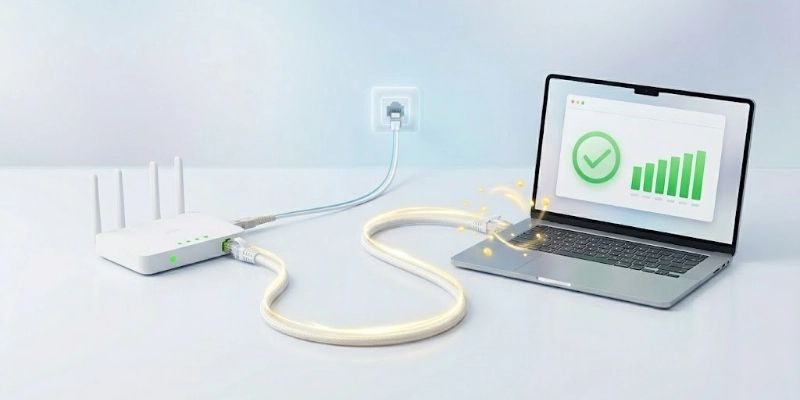
It works well for homes, offices, gaming setups, and any activity that needs a consistent connection without interruptions.
- A wired connection provides faster and more stable internet speeds for smooth browsing, streaming, and downloading.
- It reduces network interruptions and delivers a more reliable connection compared to wireless options.
- It lowers latency, which improves online gaming response time and enhances video streaming quality.
- It increases security by reducing the risk of unauthorized access to the network.
- It supports consistent performance even when multiple devices use the same network at the same time.
Limitations of Internet Cables
A wired connection provides stable performance, but it also has some practical drawbacks that can affect convenience and setup flexibility.
- It limits movement because devices must stay physically connected through cables.
- It requires proper installation, which can become difficult in large or complex spaces.
- It can create cable clutter, making workspaces less organized and harder to manage.
- It has distance limitations, where longer cable runs may reduce signal quality.
- It offers less flexibility compared to wireless connections when moving or rearranging devices.
Internet Cable vs Wi-Fi
Both wired and wireless connections help you access the internet, but they work in different ways. A wired connection focuses on speed and stability, while Wi-Fi focuses on convenience and mobility. The best choice depends on how and where you use the internet.
| Feature | Comparison |
| Speed | Wired gives faster and more consistent speed than Wi-Fi. |
| Stability | Wired stays stable with fewer drops; Wi-Fi can weaken with distance. |
| Latency | Wired has lower delay, better for gaming and calls. |
| Mobility | Wi-Fi allows movement; wired needs a fixed setup. |
| Setup | Wired needs cables; Wi-Fi is easier to install and use. |
| Best Use | Wired suits gaming and offices; Wi-Fi suits daily home use. |
Common Uses of Internet Cables
Wired connections support many everyday digital activities where speed, stability, and reliable performance matter more than mobility.
Here are some common uses:
- Home internet setups use wired links to improve browsing, downloads, and overall network stability.
- Gaming setups rely on direct connections for smoother gameplay and reduced lag.
- Offices use network cables to connect multiple systems and maintain efficient communication between devices.
- Content creators and streamers use stable connections for uploading, editing, and live streaming without interruptions.
- Smart TVs and gaming consoles use wired access to ensure consistent streaming quality and faster data response.
How to Choose the Right Internet Cable?
Choosing the right option depends on your internet needs, device setup, and usage environment. A good choice helps improve speed, stability, and overall performance.
- Speed:
Check your internet plan speed and choose a cable that can support it without slowing performance. - Cable Category:
Select a suitable category (like Cat5e, Cat6, or higher) based on your speed and usage needs. - Cable Length:
Pick an appropriate length to avoid signal loss while keeping your setup neat and efficient. - Indoor or Outdoor Use:
Use indoor cables for home setups and outdoor-rated cables for exposed or harsh environments. - Budget and Build Quality:
Balance cost with durability and performance to ensure long-term reliable use.
Popular Internet Cable Brands
Several trusted brands offer reliable networking cables for home, office, and professional use. These brands focus on performance, durability, and stable connectivity.
- Belkin: Known for durable and high-quality networking products with consistent performance.
- Cable Matters: Popular for affordable, reliable options suitable for everyday and office use.
- UGREEN: Offers well-built cables with good speed support and strong compatibility.
- TP-Link: A trusted networking brand that provides stable and efficient connectivity solutions.
- Amazon Basics: Provides budget-friendly cables with decent performance for basic needs.
Tips for Maintaining Internet Cables
Proper care helps improve performance, extend lifespan, and prevent connection issues in daily use. It also ensures a more stable and reliable network experience over time.
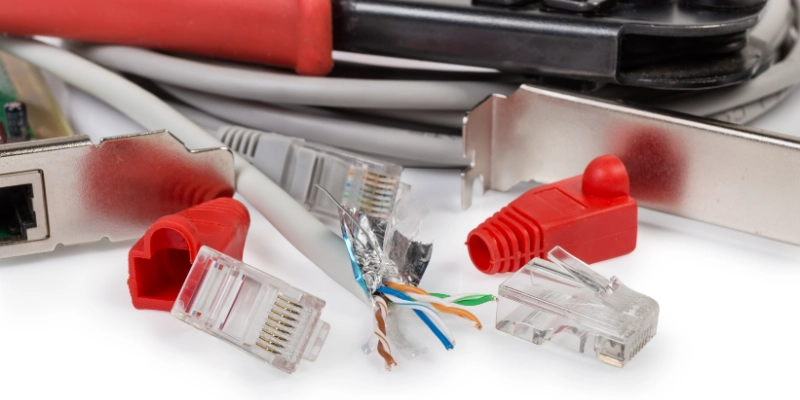
Here are the tips given below.
- Avoid sharp bends in cables to prevent internal wire damage and signal loss.
Keep cables away from heat, water, and damp areas to maintain safe and stable performance.- Use cable organizers or clips to reduce clutter and avoid unnecessary strain on wires.
- Replace damaged or loose connectors to ensure a strong and consistent connection.
Conclusion
Internet cables continue to play an important role in building fast and stable network connections. They help devices communicate smoothly and support everyday online activities without interruptions.
In short, they remain a reliable choice for users who need consistent performance for work, gaming, streaming, and communication.
For home and office users, choosing a suitable wired setup can improve speed, stability, and overall internet experience, especially where a strong and dependable connection is important.
FAQ
Feel free to reach out or explore more guides to find the best option for your home, office, or gaming needs.
It connects devices like computers, routers, and modems to a network. It supports data transfer for browsing, streaming, and communication. It ensures a stable wired connection for internet access.
Yes, Ethernet usually provides faster and more stable speeds than Wi-Fi. It reduces signal interference and connection drops. It works better for gaming and heavy online tasks.
Cat6 or higher cables are commonly used for gaming setups. They offer low latency and stable performance. This helps reduce lag during online play.
Yes, they can improve performance compared to weak wireless signals. They provide a direct connection with less data loss. Actual speed still depends on your internet plan.
Most cables last for several years with proper handling. Their lifespan depends on usage and environmental conditions. Damaged cables should be replaced for better performance.
Cable quality, type, and length all impact performance. Good shielding helps reduce interference. Proper installation also improves stability.
Longer cables can slightly affect signal strength. High-quality cables help minimize this issue. Keeping the cable length reasonable is recommended.
No, different categories offer different speeds and features. Newer cables support higher bandwidth and better performance. The right choice depends on your needs.






- Be Respectful
- Stay Relevant
- Stay Positive
- True Feedback
- Encourage Discussion
- Avoid Spamming
- No Fake News
- Don't Copy-Paste
- No Personal Attacks
- Be Respectful
- Stay Relevant
- Stay Positive
- True Feedback
- Encourage Discussion
- Avoid Spamming
- No Fake News
- Don't Copy-Paste
- No Personal Attacks
