What is a Tablet & How Does it Work?
Published: 18 Dec 2025
Have you seen a thin screen that people use everywhere and wondered what it is? Here we will talk about what is a tablet and why many people like it today. It is easy to use and easy to carry. But why do people use it so much?
People use it to study, watch videos, play games, read books, and do office work. It helps in learning, fun, and daily tasks. Is it not interesting how one small device can help in many ways?
What is a Tablet?
A tablet is a small and portable computer that you can carry easily. It has a touchscreen, so you can use it by touching the screen with your fingers.
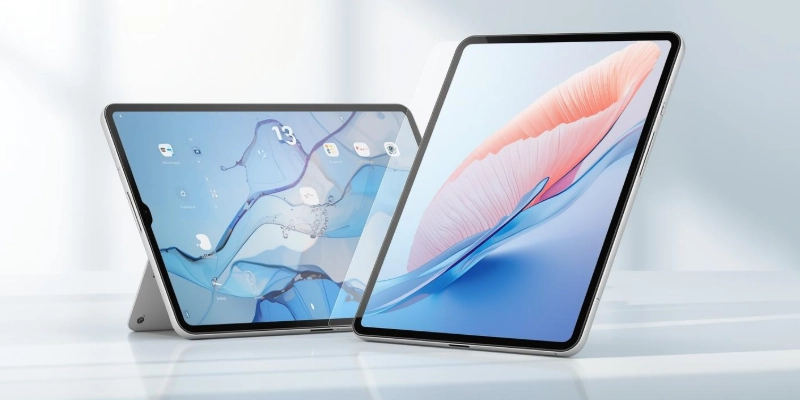
It is bigger than a smartphone but smaller than a laptop, which makes it simple to use and easy to handle.
- It allows users to open apps, watch videos, and browse the internet without using a keyboard or mouse.
- It is lightweight, so people can use it while sitting, standing, or traveling.
- It starts quickly and is ready to use within seconds.
- It works well for reading, drawing, and online learning activities.
- It can be used by children, students, and adults without much technical knowledge.
Features of a Tablet
This small device comes with many features that make it useful for work, learning, and fun. Each feature helps people use it in different ways every day.
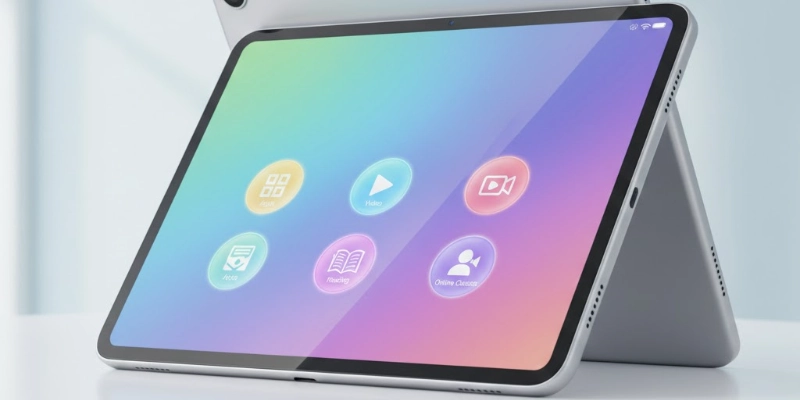
- Display size and quality: The screen is bright and clear, making it easy to watch videos, read, or play games.
- Storage and memory: It has space to save apps, photos, videos, and enough memory to run multiple tasks smoothly.
- Internet connectivity: It can connect to Wi-Fi or cellular networks, so you can browse, watch, or study online anywhere.
- Camera and speakers: Built-in cameras and speakers allow video calls, photography, and listening to music or videos.
- Accessories: Items like a stylus, keyboard, or protective cover can make it easier to write, type, or carry safely.
How a Tablet Works?
This small device is very easy to use and does not need a keyboard or mouse. You can control everything by touching the screen.
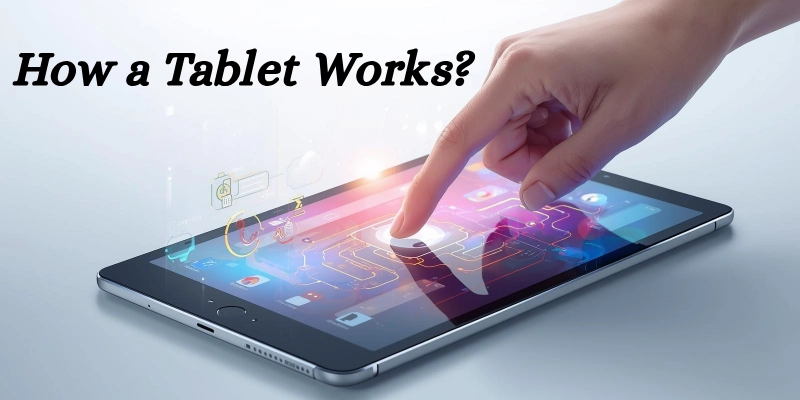
- Touchscreen input: You can tap, swipe, and type directly on the screen to open apps, watch videos, or play games.
- Operating system: It runs on systems like Android, iPadOS, or Windows, which manage apps and make the device work smoothly.
- Battery and power: It has a rechargeable battery, allowing you to use it for hours anywhere without needing to plug in.
Types of Tablets
There are different types of these small devices, and each one is made for specific uses. Some are good for work, some for fun, and some for children.
| Type | Brands / Systems | Main Use |
| Android Tablets | Samsung, Lenovo | Every day apps, videos, browsing |
| iPads | Apple (iPadOS) | Learning, entertainment, apps |
| Windows Tablets | Microsoft, others | Work, small laptop tasks |
| Kids’ Tablets | Various child-friendly | Learning, games, safe content |
- Android Tablets: Popular brands include Samsung and Lenovo, used for apps, videos, and browsing.
- iPads: Made by Apple, running iPadOS, great for learning, entertainment, and apps.
- Windows Tablets: Work like small laptops, suitable for office tasks and school work.
- Kids’ Tablets: Specially designed for children with safe content and learning apps.
Uses of a Tablet
This small device can be used in many ways every day. People of all ages use it for learning, fun, work, and even while traveling.
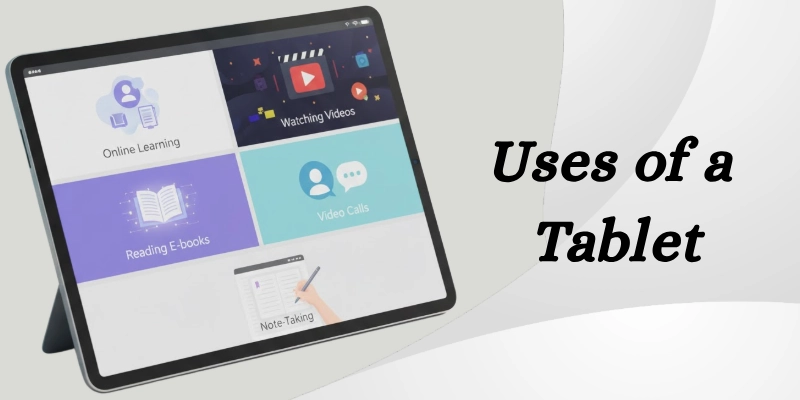
- Education and online classes: Students can attend lessons, read e-books, and do homework using apps and online platforms.
- Entertainment: It is perfect for watching movies, playing games, or reading stories anytime.
- Work and productivity: Professionals can check emails, take notes, and join video calls easily.
- Travel and daily use: Its lightweight and portable design makes it useful for navigation, reading, or watching videos on the go.
For example, a student can use it to attend online classes, complete assignments, and watch educational videos all in one device.
Advantages and Disadvantages of a Tablet
These small devices are very useful in daily life, but like all gadgets, they have both good and not-so-good points. Understanding their benefits and limitations can help people decide how to use them best.
| Advantages | Disadvantages |
| Easy to carry anywhere due to the lightweight design | Smaller screen than a laptop, less comfortable for long typing |
| Can be used for learning, work, and entertainment | The battery may run out quickly with heavy use |
| Touchscreen makes it simple and fast to use | Limited storage compared to laptops or desktops |
| Quick to start and use, no long setup needed | Not ideal for very large or complex software |
| Supports internet, apps, and multimedia easily | Accessories like a keyboard or a stylus may be needed for some tasks |
Tips for Choosing the Right Tablet
Choosing the right tablet can make a big difference in how useful it is. Thinking about your needs and preferences helps you pick one that works best for daily use.
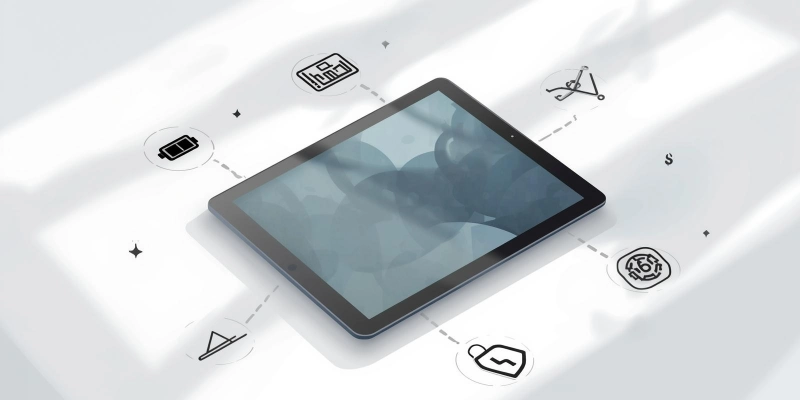
- Decide your purpose: Think about whether you need it for studying, work, or entertainment, as this affects the features you need.
- Choose the right size: Pick a screen size that is comfortable for reading, watching videos, or carrying around.
- Check battery life: Longer battery life is better if you plan to use it for classes, travel, or long work sessions.
- Select the operating system: Choose between Android, iPadOS, or Windows, depending on the apps and software you want to use.
- Set a budget: Decide how much you want to spend and look for a device that gives good value for money.
| Tip |
|---|
|
Choose a mid-range device with good battery life, a clear display, and basic features to start easily. |
Tablet vs Smartphone vs Laptop
This helps beginners see that the tablet is a mix between a phone and a laptop: easy to carry like a phone but more useful for learning and work like a laptop.

Here’s a simple comparison of laptop vs tablet vs smartphone.
| Feature | Tablet | Phone | Laptop |
|---|---|---|---|
| Screen | Medium | Small | Large |
| Port | Easy | Very easy | Heavy |
| Use | Learn, Fun | Calls, Apps | Work |
| Input | Touch | Touch | Keys |
| Battery | Med-Low | Med | Low |
Conclusion
In short, a tablet is a handy tool for learning, work, entertainment, and daily tasks. It is easy to use, portable, and works for people of all ages. With the right choice, size, and features, anyone can enjoy its benefits while understanding its limits.
Have something to say? Share your thoughts in the comments below!
FAQs
Curious to know more? Dive into our FAQs and get all the answers!
The main purpose is to help with learning, work, and entertainment. It is used to watch videos, read, and use apps easily. It also helps with online classes and daily tasks.
There are Android devices, Apple iPads, Windows-based ones, and kids’ versions. Each type is made for different needs, like study, work, or safety. Users can choose based on features and budget.
Some models allow calling if they support SIM cards. You can also make calls using apps on the internet. Not all devices support direct phone calls.
They are mostly used for online learning, watching videos, and reading. Many people also use them for games and browsing. Some use them for office work and meetings.
You can check screen clarity, touch response, and battery life. Testing speed while opening apps is also helpful. Build quality and sound should be checked as well.
Yes, you can connect using Bluetooth, Wi-Fi, or a cable. This helps in sharing files and using the internet. Some apps also allow screen sharing.
It works by taking touch input from the screen. The system processes the command using software. Then it shows the result on the display.
Some models can work like a phone with a SIM card. Others use calling apps through the internet. It depends on the features of the device.
An example is the Apple iPad. Samsung Galaxy Tab is another popular one. These are used worldwide for learning and work.
Yes, you can write notes using apps. A stylus makes note-taking easier and faster. Notes can be saved and shared anytime.


- Be Respectful
- Stay Relevant
- Stay Positive
- True Feedback
- Encourage Discussion
- Avoid Spamming
- No Fake News
- Don't Copy-Paste
- No Personal Attacks
- Be Respectful
- Stay Relevant
- Stay Positive
- True Feedback
- Encourage Discussion
- Avoid Spamming
- No Fake News
- Don't Copy-Paste
- No Personal Attacks
