What is a Computer? Definition, Types, Uses Explained
Published: 25 Nov 2025
Computers are part of our daily lives, helping us at work, school, and even for fun and communication.
So, what is a computer? A computer is an electronic device that processes information and performs tasks quickly. Understanding the meaning of the computer is important for everyone in today’s digital world.
Learning computer basics helps students, professionals, and anyone using the internet or digital tools to use technology more effectively.
In this article, we’ll learn about what is a computer, its types, uses, input and output devices in detail.
What is a Computer?
A computer is an electronic machine that receives information, processes it using instructions, and gives meaningful results. It helps us perform tasks like writing documents, watching videos, storing data, creating designs, and searching the internet.
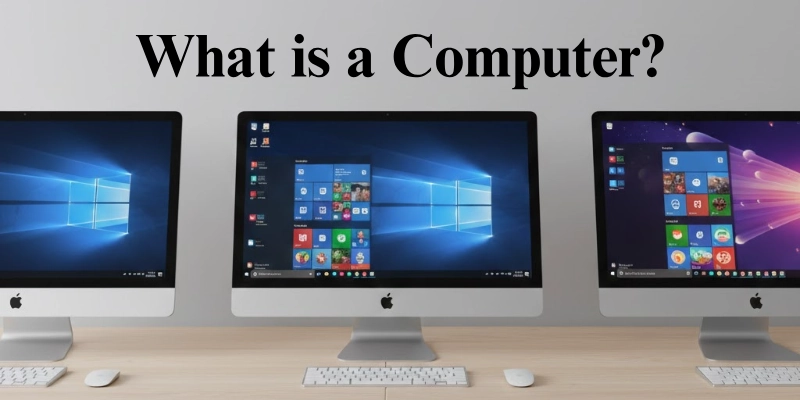
Understanding what a computer is matters because it is one of the most important tools in education, work, communication, and daily life.
Examples to Understand a Computer:
- When you type a message on your phone, the computer inside processes your words and displays them on the screen.
- When you search for something online, the computer finds information, processes it, and shows you the results instantly.
- When you play a game, the computer controls the graphics, sound, and actions based on your inputs.
Computers are everywhere: laptops at school, desktops at work, smartphones in pockets, and even tiny computers inside cars and home devices. This makes knowing what a computer is and how it works essential for everyone today.
History of Computers
The history of computers started with tools like the abacus and mechanical calculators, which made calculations easier.
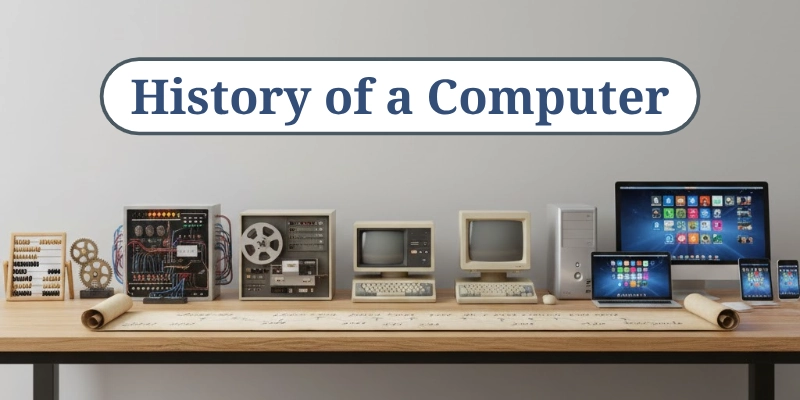
First Generation Computers:
The first computer appeared in the mid-20th century. They were large, slow, and used vacuum tubes, but they laid the foundation for modern computing.
Evolution to Modern Computers:
The evolution of computer technology led to smaller, faster, and more powerful devices, shaping the computers we use today.
Importance of History:
Understanding the history of computers gives context to modern technology and helps beginners learn computer basics more effectively.
Types of computers
Understanding the types of computers helps us see how different machines fit into our daily lives, from tiny mobile devices to powerful research systems. This computer classification shows the many different kinds of computers designed for specific tasks.
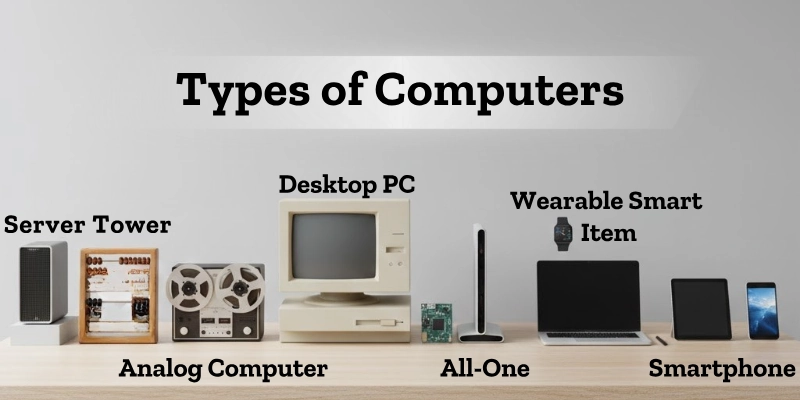
Here are some types of computers.
- Supercomputers: These are extremely fast machines used for advanced scientific research.
- Mainframe Computers: These computers manage large amounts of data for big organizations.
- Mini Computers: These systems handle medium-sized tasks for small to mid-level operations.
- Personal Computers (PCs): These include desktops and laptops used for everyday work and learning.
- Workstations: These are powerful computers designed for professional, high-performance tasks.
- Mobile Computers: These include tablets, smartphones, and other handheld devices used on the go.
Parts of a Computer
Understanding computer parts helps us see how each piece works together to make a computer function smoothly. These computer components include input devices, output devices, the CPU, memory, and several important internal parts that keep everything connected and running.
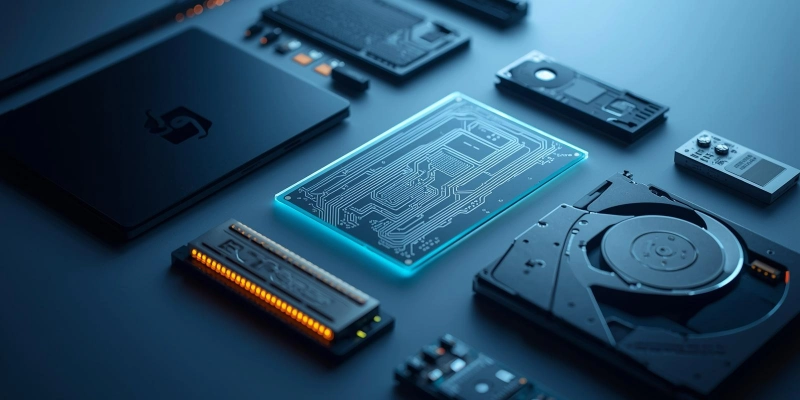
Here are the main parts of a computer.
- Input Devices: These devices help us send information to the computer. Common examples include the keyboard, mouse, scanner, and webcam.
- Output Devices: These parts show the results of our work. A monitor displays visuals, a printer gives printed pages, and speakers play sound.
- Central Processing Unit (CPU): This is the brain of the computer. It processes all instructions and handles calculations to keep programs running.
- Memory / Storage: RAM is the temporary memory that helps the computer work faster, while a Hard Drive or SSD stores files, programs, and data permanently. Both are important for performance.
- Motherboard & Other Internal Components: The motherboard connects all computer parts so they can communicate. Other key components include the power supply, graphics card, and cooling system, which help the computer run safely and efficiently.
How Computers Work?
Understanding how a computer works is simple when you know the basic steps: Input → Process → Output → Storage.
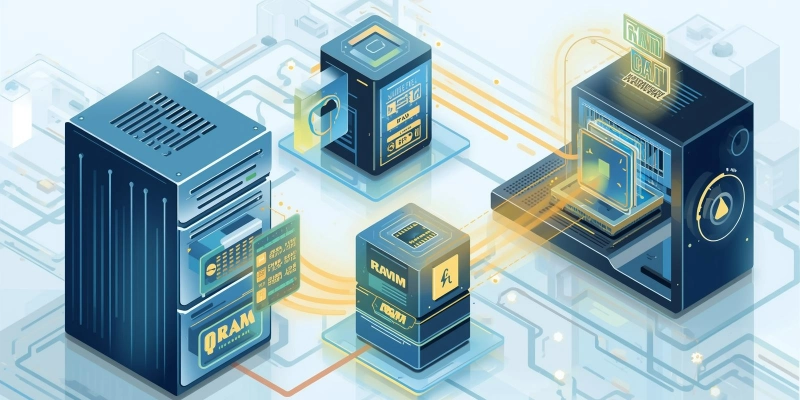
This computer process explains how computers take information, handle it, show results, and save data, making computer functioning easy to understand.
- A computer receives information through input devices.
- The CPU processes all the data and instructions.
- Output devices show the results of the work.
- Storage saves files so you can use them later.
Example: typing, viewing, saving, and printing a document.
Computer Generations
Understanding computer generations helps us see how computers have changed over time, from large machines to the fast and powerful devices we use today.
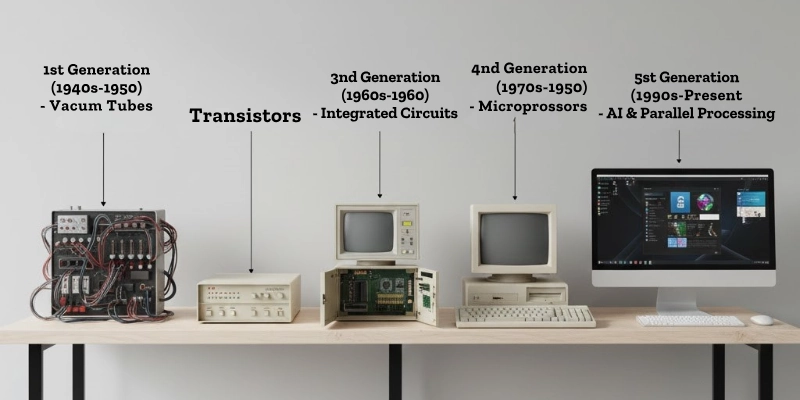
Each generation brought new technology, better speed, and improved performance, shaping how modern computers work.
- First Generation (Vacuum Tubes): Early computers used vacuum tubes, which were very large and generated a lot of heat.
- Second Generation (Transistors): Transistors made computers smaller, faster, and more reliable.
- Third Generation (Integrated Circuits): ICs increased processing speed and reduced the cost of computers.
- Fourth Generation (Microprocessors): Microprocessors brought personal computers into homes and schools.
- Fifth Generation (AI & Advanced Technologies): Modern computers use artificial intelligence, powerful processors, and advanced technologies to perform smart tasks.
Software and Hardware
Understanding computer hardware and software helps us see how a computer works both physically and through programs. The difference between hardware and software becomes clear when we compare what we can touch with what controls tasks.

Learning examples of computer software also helps us understand how these programs guide the hardware.
- Hardware: These are the physical parts of a computer, like the CPU, monitor, keyboard, and motherboard.
- Software: These are the programs and applications that run on a computer, such as the operating system and apps.
Difference: Hardware can be touched, while software is a set of instructions that tells the computer what to do.
Examples of Computer Software: Windows, macOS, Linux, Microsoft Office.
Purpose: Hardware does the physical work, and software guides the computer on how to perform tasks.
Uses of Computers
Understanding the uses of computers helps us see how technology supports almost every part of modern living. These computer applications make learning, working, and communicating easier and faster.
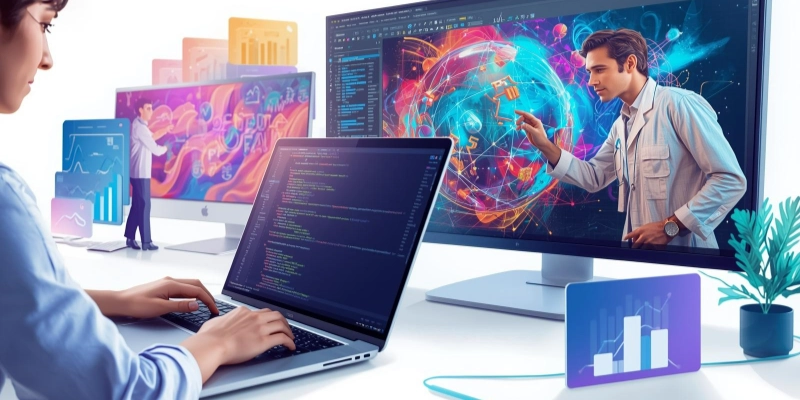
The importance of computers in daily life continues to grow as more tasks move online.
- Education: Computers help with online classes, research, and school projects.
- Work & Business: People use computers for emails, data management, and online meetings.
- Entertainment: Computers allow us to enjoy games, movies, and music.
- Communication: They make social media, chatting, and video calls easy.
- Other Uses: Computers support healthcare services, banking tasks, and online shopping.
Advantages and Disadvantages of Computers
Understanding the benefits and drawbacks of computers helps us use technology wisely and avoid common problems.
| Advantages | Disadvantages |
| Computers make work faster and easier. | Too much use can cause health issues like eye strain. |
| They help us store and organize large amounts of data. | They can be expensive to repair or upgrade. |
| Computers improve communication through email and video calls. | Overuse may lead to addiction or reduced physical activity. |
| They support learning through online classes and research. | Data can be at risk from viruses or hackers. |
| Provide entertainment like games, movies, and music. | Dependence on computers can reduce basic skills. |
Future of Computers
The future of computers will bring faster, smarter, and more connected machines. With emerging computer technology, we will see big changes in how we learn, work, and communicate.
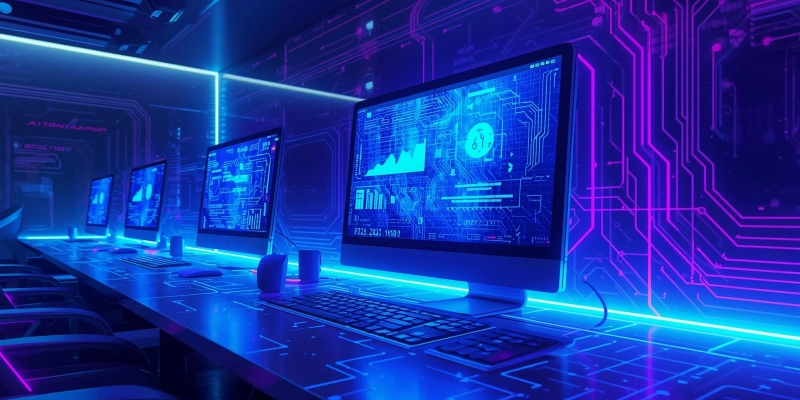
These next-generation computers will make life easier and industries more efficient.
- AI and Machine Learning Integration: Computers will become smarter and make more decisions on their own.
- Quantum Computing: Ultra-powerful computers will solve complex problems much faster than today’s machines.
- Cloud Computing & Virtual Desktops: More work will happen online, allowing people to access their computers from anywhere.
- Growing Importance: Computers will play a bigger role in education, business, healthcare, and everyday life.
Tips for Using Computers Safely
Knowing these computer safety tips helps you protect your device and personal data. Understanding how to use a computer safely keeps you away from viruses, scams, and system problems.
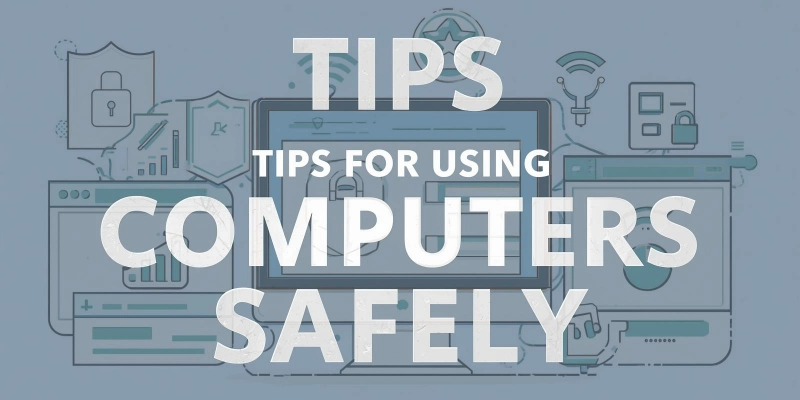
These computer protection tips make your digital life safer and easier.
- Antivirus Software: Install and update antivirus programs to block harmful files.
- Websites and Downloads: Stay away from unsafe links, pop-ups, and unknown downloads.
- Backup: Save your data regularly so you don’t lose it if something goes wrong.
- Hardware: Keep your computer clean and updated for better performance.
- Strong Passwords: Create strong, unique passwords and follow safe online practices.
Modern Computer Ecosystem
The modern computer ecosystem brings together many important parts that help our devices work smoothly. It includes the internet, computer networking, cloud computing, computer virus protection, and basic computer troubleshooting.
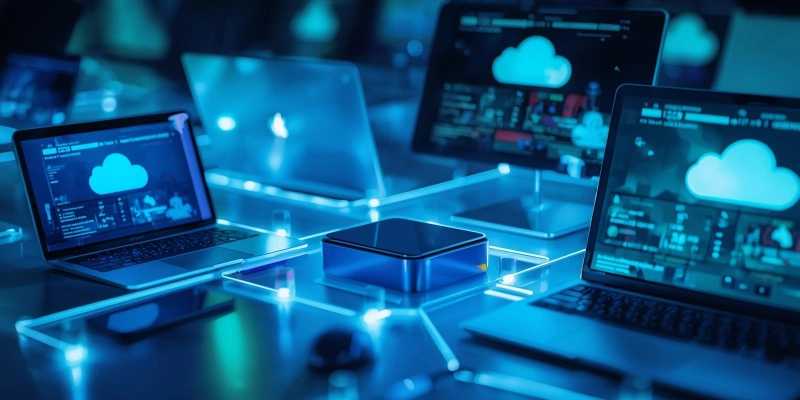
The internet and computer networking connect our devices so we can browse websites, share files, and stay in touch. With cloud computing, we can store data online and access our files from any device.
Because so much of our work happens online, protecting devices from a computer virus is very important. A virus can harm files or slow down the system, so antivirus tools and updates are helpful.
Simple computer troubleshooting, like restarting the computer, checking the connection, or removing unwanted apps, can fix many small problems. Knowing these basics makes using technology easier and safer for everyone.
Conclusion
Understanding what a computer is helps us appreciate how important it is in our daily lives. By learning computer basics, we can use technology with confidence and make better choices.
The importance of computer knowledge grows every day, so knowing the parts, uses, and safety tips becomes very helpful. You can continue learning more through related topics like “parts of a laptop” or “cybersecurity” to strengthen your skills even further.
Ready to level up your tech skills? Start exploring more computer basics today!
FAQs
Still curious? Our FAQs have the answers you need!
A computer is an electronic machine that processes information. It takes input, processes data, and gives output. Its main types include supercomputers, mainframes, minicomputers, and personal computers.
Charles Babbage is known as the father of computers. He designed the Analytical Engine. His ideas shaped modern computing.
The most common type is the personal computer. It includes desktops and laptops. People use it for everyday tasks at home and work.
The first general-purpose computer was ENIAC. It was built in the United States. It completed complex calculations for the military.
The most powerful computers are supercomputers. They perform extremely fast calculations. They are used in research, climate studies, and space science.
Early computers were called calculating machines. They were used to perform math tasks. Devices like the abacus were early forms.
The first modern computers were made in the United States and the United Kingdom. These countries developed early computing machines. Their inventions led to today’s computers.
Supercomputers are the fastest type of computer. They can run millions of calculations per second. They are used for scientific and industrial work.
The fastest supercomputers are usually built by teams of international scientists. Companies like IBM, Fujitsu, and government labs contribute. These systems are created for advanced research.
Mainframe computers are considered the largest. They handle massive amounts of data. Big organizations use them for large-scale operations.
The first electronic computer, ENIAC, was located in the United States. It was installed at the University of Pennsylvania. It began working in 1945.
The birthplace of the computer is often linked to the United Kingdom. Charles Babbage designed early computer concepts there. His ideas inspired all modern computers.



- Be Respectful
- Stay Relevant
- Stay Positive
- True Feedback
- Encourage Discussion
- Avoid Spamming
- No Fake News
- Don't Copy-Paste
- No Personal Attacks
- Be Respectful
- Stay Relevant
- Stay Positive
- True Feedback
- Encourage Discussion
- Avoid Spamming
- No Fake News
- Don't Copy-Paste
- No Personal Attacks
