What is Programming Software – Coding Software Explained
Published: 5 Jun 2026
Have you ever wondered how mobile apps, websites, and computer programs are created? The answer often starts with understanding “what is programming software?” and why it plays such an important role in technology.
Programming software provides the tools developers need to write, edit, test, and manage code. Without these tools, creating modern applications and digital systems would be much more difficult and time-consuming.
But what exactly does this software do? In this guide, you’ll learn its main features, types, and how it helps developers build applications and systems.
What is Programming Software?
Programming software is a set of tools that helps developers create computer programs and applications. It allows users to write instructions, organize code, and build software that runs on different gadgets.
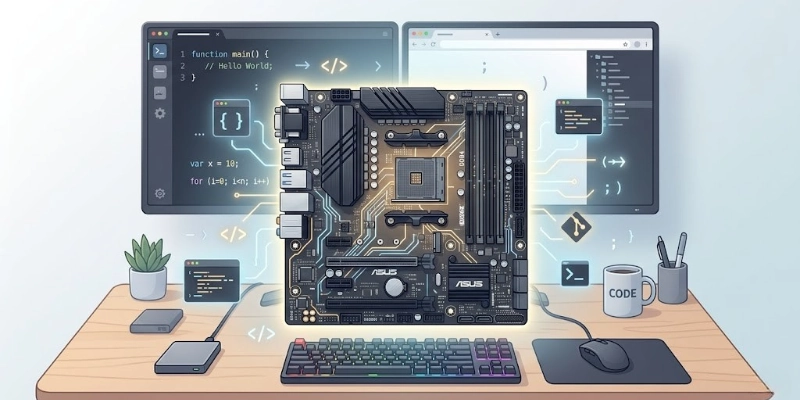
These tools support many tasks during development, including writing code, finding errors, testing features, and updating projects. They make the development process faster and more efficient.
Today, software development is a key part of modern technology. From websites and mobile apps to business systems and games, developers use these tools to create and maintain the digital products people use every day.
How Does Programming Software Work?
Programming software follows a step-by-step process to turn ideas into working applications. It helps developers create code, check for errors, run programs, and keep them updated over time.
- Writing Code:
Developers create instructions using programming languages such as Python, Java, or C++. These instructions define how a program should work. - Converting Code:
The written code is translated into a format that a computer can understand through a compiler or interpreter. - Testing & Debugging:
The code is checked for errors and issues. Problems are fixed to improve performance and reliability. - Running Programs:
After testing, the application is executed so users can access its features and functions. - Maintenance:
Developers update software, improve existing features, and fix bugs to keep it working properly.
Types of Programming Software
Different tools are designed for different stages of software development. Some help with writing code, while others focus on testing, execution, or team collaboration.
- Code Editors:
Code editors are simple applications used to write and edit code. They often include features like syntax highlighting and auto-completion. - IDEs:
Integrated Development Environments (IDEs) combine multiple development tools in one platform. They make coding, testing, and project management more convenient. - Compilers:
Compilers convert source code into executable files that a computer can run. They process the entire code before execution. - Interpreters:
Interpreters read and execute code one line at a time. This allows developers to test and run programs quickly. - Debugging Tools:
These tools help identify coding errors and performance issues. They make it easier to locate and fix problems. - Version Control Tools:
Version control systems track code changes and support teamwork. They help developers manage updates and collaborate more effectively.
Key Features of Programming Software
Modern development tools include various features that help developers work more efficiently.
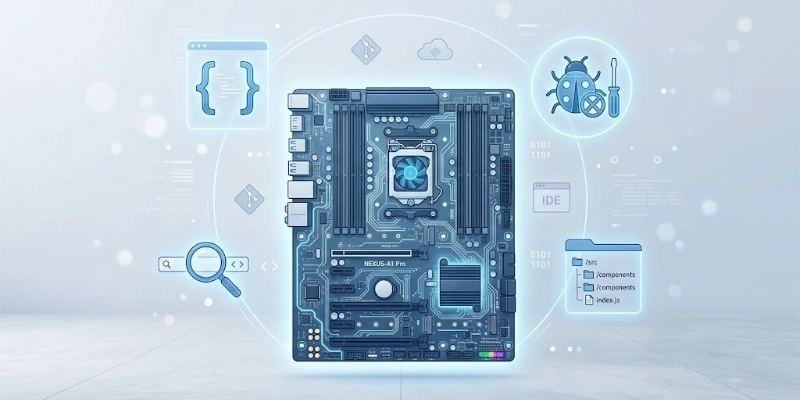
These features improve coding accuracy, organization, and collaboration throughout a project.
- Syntax Highlighting:
Syntax highlighting uses different colors and styles to display code elements. This makes code easier to read and understand. - Auto-Completion:
Auto-completion suggests code as developers type. It saves time and helps reduce typing mistakes. - Debugging Tools:
Built-in debugging features help locate errors and identify the cause of issues. This speeds up the troubleshooting process. - Project Management:
Project management tools help organize files, tasks, and resources. They make large projects easier to handle. - Version Control Integration:
Integration with systems like Git allows developers to track changes and work together on the same project. - Cross-Platform Support:
Many development tools support multiple operating systems. This helps developers create and test applications across different platforms.
Common Examples of Programming Software
Many development tools are available for different programming languages and project requirements. Below are some of the most widely used options.
- Visual Studio Code: A lightweight and popular code editor known for its speed, extensions, and customization options.
- Visual Studio: A comprehensive development environment designed for building desktop, web, cloud, and mobile applications.
- Eclipse: An open-source IDE commonly used for Java development. It also supports other languages through plugins.
- IntelliJ IDEA: A feature-rich IDE that offers advanced coding assistance and productivity tools, especially for Java projects.
- PyCharm: A dedicated IDE for Python development with tools for coding, testing, and project management.
- NetBeans: An open-source IDE that supports multiple programming languages and provides a user-friendly development environment.
- Sublime Text: A fast and lightweight text editor known for its clean interface and powerful editing features.
Benefits of Programming Software
Development tools offer many advantages that help developers create, manage, and improve applications more effectively.
- Built-in features such as auto-completion and code suggestions help reduce development time and improve productivity.
- Error-checking tools help identify mistakes early, leading to cleaner and more reliable code.
- Team members can share updates, track changes, and work together more efficiently on the same project.
- Development environments help keep files, resources, and code structured, making projects easier to manage.
- Debugging and testing tools simplify the process of fixing issues, updating features, and improving software over time.
Limitations of Programming Software
While development tools provide many benefits, they also have some limitations that users should consider.
- Many tools include advanced features that can take time for beginners to understand and use effectively.
- Some applications require significant processing power, memory, and storage to run smoothly.
- Professional versions of certain tools may require paid subscriptions or licensing fees.
- Not all tools work equally well with every operating system, programming language, or framework.
- Some development environments need additional plugins, extensions, or settings before they are fully functional.
Programming Software vs Application Software
Although both are important in computing, they serve different purposes. One helps developers create and manage software, while the other allows users to perform specific tasks. The table below highlights the main differences.
| Programming Software | Application Software |
| Used to create software | Used to perform tasks |
| Mainly for developers | Mainly for end users |
| Helps write and test code | Helps complete daily activities |
| Supports software development | Supports productivity and entertainment |
| Requires technical knowledge | Usually easy to use |
| Works behind the scenes | Directly used by users |
| Examples: Visual Studio Code, PyCharm | Examples: Microsoft Word, Google Chrome |
Who Uses Programming Software?
Development tools are used by people in many technology-related fields. They help create, test, manage, and improve different types of digital solutions.
- Software Developers:
They build desktop applications, business systems, and other software products. - Web Developers:
They create and maintain websites, web applications, and online platforms. - Mobile App Developers:
They develop applications for smartphones and tablets on different operating systems. - Data Scientists:
They use coding tools to analyze data, build models, and automate tasks. - Students:
Learners use these tools to practice coding, complete projects, and develop programming skills. - IT Professionals:
They use development tools for automation, system management, troubleshooting, and custom solutions.
How to Choose the Right Programming Software?
The best tool depends on your skill level, project requirements, and development goals.

Considering the factors below can help you make a better choice.
- Language Support: Choose a tool that supports the programming languages you plan to use.
- Ease of Use: A simple and user-friendly interface can make learning and development easier.
- Built-In Features: Look for useful features such as auto-completion, debugging tools, and project management options.
- OS Compatibility: Make sure the software works properly on your preferred operating system.
- Community & Documentation: Strong community support and detailed documentation can help solve problems more quickly.
- Budget & Licensing: Consider the cost, licensing terms, and available free versions before making a decision.
Popular Programming Languages
Most development tools support multiple programming languages, allowing developers to work on different types of projects. Some of the most widely used languages include:
- Python is known for its simple syntax and is commonly used in web development, automation, and data analysis.
- Java is a versatile language often used for enterprise applications, web services, and Android development.
- C++ is a powerful language used for system software, games, and performance-focused applications.
- JavaScript is primarily used to create interactive websites and web applications.
- C# is developed by Microsoft and widely used for desktop applications, web development, and game creation.
- PHP is a popular server-side language used to build dynamic websites and web applications.
- Go is a modern language designed for speed, scalability, and efficient application development.
Future Trends in Programming Software
Development tools continue to evolve as technology advances. New innovations are making software creation faster, more accessible, and more collaborative.
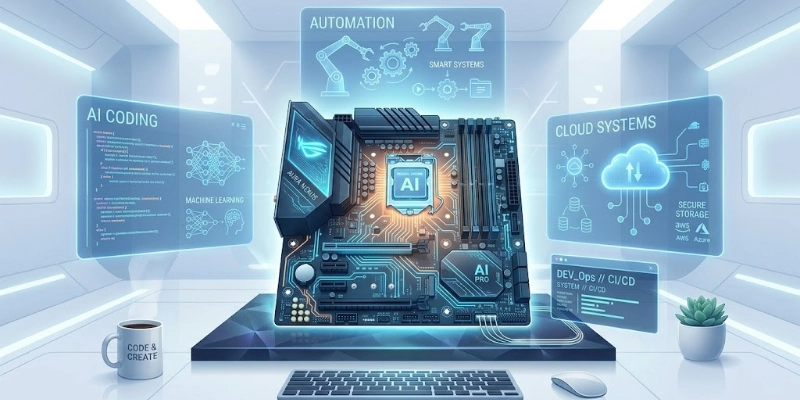
AI-Assisted Coding
AI-powered tools can suggest code, identify errors, and automate repetitive tasks, helping developers work more efficiently.
Cloud-Based Development
Cloud environments allow developers to write, test, and manage projects directly through a web browser without relying heavily on local devices.
Low-Code and No-Code Platforms
These platforms enable users to build applications with minimal coding, making development more accessible to non-technical users.
Online Collaboration Tools
Modern coding platforms support real-time teamwork, allowing multiple users to work on projects together from different locations.
Tips for Beginners Using Programming Software
Getting started with development tools can feel challenging at first, but a few simple habits can make the learning process easier and more effective.
- Tools: Begin with easy-to-use editors or IDEs that are designed for beginners and offer a clean interface.
- Shortcuts: Using keyboard shortcuts helps speed up coding and improves overall efficiency over time.
- Debugging Features: Practice finding and fixing errors using built-in debugging tools to understand how your code works.
- Version Control: Learn basic version control to track changes and manage your projects more safely.
- Online Communities: Connect with other learners and developers to ask questions, share ideas, and improve your skills.
Conclusion
Development tools are a key part of building modern digital products. They help turn ideas into working applications by supporting coding, testing, and updates.
These tools are widely used across websites, apps, and software systems that people rely on every day.
For new learners, simple tools are a good starting point, while experienced users can choose advanced platforms based on project needs. The right choice makes development smoother and more efficient.
FAQs
If you still have questions, feel free to explore more guides or reach out for simple, step-by-step help anytime.
What is programming software used for?
It is used to create, test, and manage computer programs. Developers write code using these tools. It also helps in fixing errors and updating applications.
What is the difference between programming software and application software?
Programming tools are used to build software. Application software is used to perform daily tasks. One is for creation, the other is for use.
Which programming software is best for beginners?
Simple code editors or beginner-friendly IDEs are best. They are easy to learn and use. VS Code is a popular option for starters.
Do programmers need an IDE?
Not always, but it helps a lot. An IDE combines tools like editing and testing. This makes coding faster and easier.
Is programming software free?
Some tools are free, and some are paid. Many popular ones offer free versions. Paid tools may include extra features.
What programming software is used for Python?
PyCharm and Visual Studio Code are commonly used. They support writing and testing Python code. They also help manage projects.
Can beginners learn coding without advanced tools?
Yes, beginners can start with basic editors. Simple tools are enough for learning. Advanced features are not required at the start.
Why do developers use code editors?
They make writing code simple and organized. They also highlight errors in real time. This improves coding speed and accuracy.
What is the role of debugging tools?
They help find mistakes in code. They show where problems occur. This makes fixing errors easier.
Can programming tools run on all devices?
Not always. Some tools work only on specific operating systems. Always check compatibility before installing.





- Be Respectful
- Stay Relevant
- Stay Positive
- True Feedback
- Encourage Discussion
- Avoid Spamming
- No Fake News
- Don't Copy-Paste
- No Personal Attacks
- Be Respectful
- Stay Relevant
- Stay Positive
- True Feedback
- Encourage Discussion
- Avoid Spamming
- No Fake News
- Don't Copy-Paste
- No Personal Attacks
